

A desk can be full of equipment and still be frustrating to use. Perhaps a cable does not reach, a hub cannot drive the screen or the charger works well until a second device is connected. Start with that specific interruption. A precise problem is easier to solve than a general desire for a cleaner or more productive workspace.
Write down the model of each device and the connections it needs. Charging power, data transfer and video output are different capabilities even when the plug looks the same. USB-C describes a connector, not a promise that every port or cable supports every function. Read the device documentation alongside the accessory listing.
Also map the physical arrangement. Measure cable routes, identify a safe outlet and decide what needs to move with you. A powerful charging station may suit one fixed desk, while a lighter setup may be preferable if you work in several places. More ports are useful only when their arrangement and shared output fit your actual combination of devices.
These six accessories cover charging, a hub, an alternative mouse grip, a cable and portable power. They are researched options rather than tested guarantees of compatibility. Confirm specifications for the exact selected variant and follow manufacturer safety instructions. No accessory in this guide is presented as a treatment for discomfort or a promise of greater productivity.
1. Anker 735 Charger (Nano II 65W)
Anker 735 Charger, Nano II 65W, is a smaller power option for a modest desk. The important comparison is between your device's required input and the charger's output when the ports you need are occupied. A headline maximum is not necessarily the power available to each device simultaneously.
Read the current output table and check the cables needed for your setup. A compact charger can make a bag easier to organize, but physical size alone says little about whether it can support a particular laptop. If you regularly connect a phone at the same time, assess that combination before buying. Compatibility should be established for the routine, rather than inferred from one number on the product name.
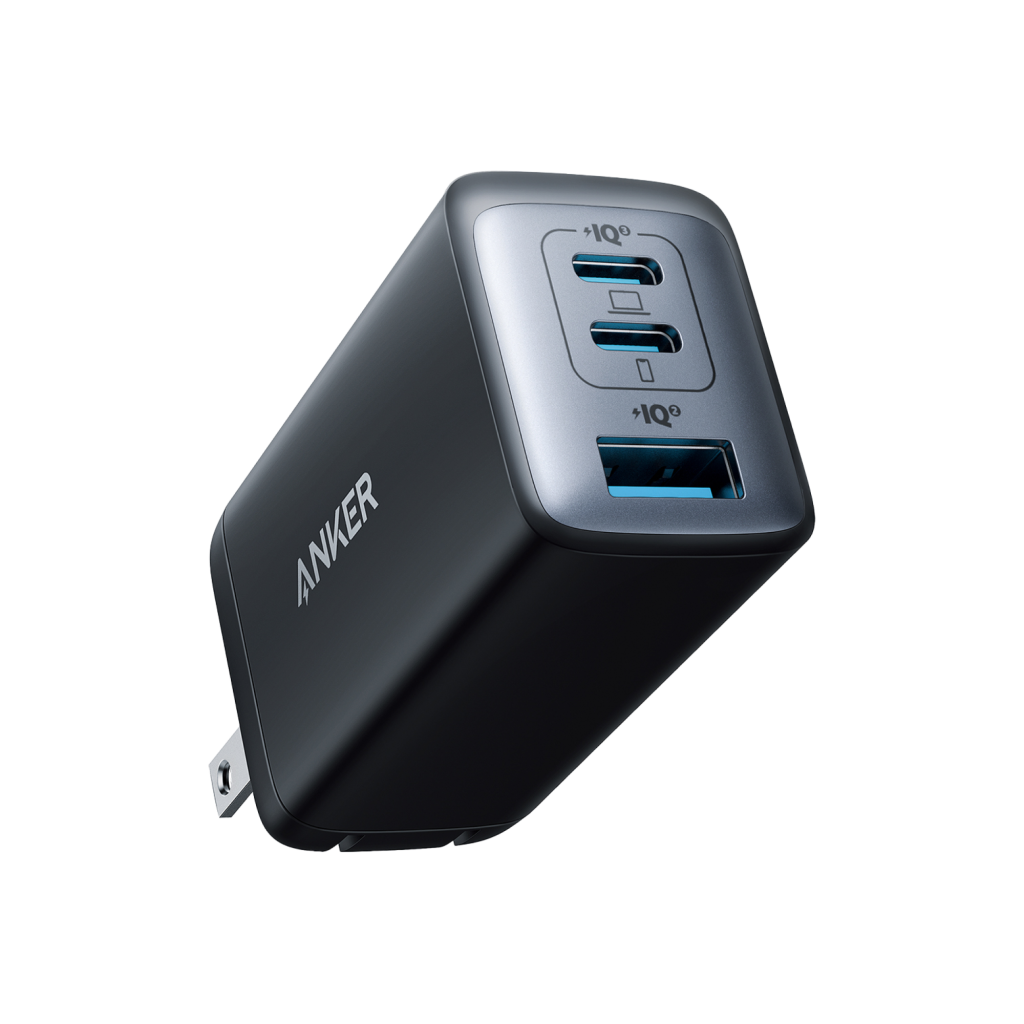
See Anker 735 Charger (Nano II 65W) at the merchant ↗
Anker 735 Charger (Nano II 65W)
A smaller power setup for a modest desk
Before choosing Check port sharing and your laptop power requirement.
View product & options Price, availability and terms are set by the merchant.2. Anker 332 USB-C Hub (5-in-1)
Anker 332 USB-C Hub, 5-in-1, is a focused option for connecting everyday peripherals. Start by checking the host port on your computer. If video output matters, confirm that the computer's USB-C port supports the necessary function and compare the hub's stated HDMI resolution and refresh-rate limits with your display.
List the devices that would remain connected and check whether any require more power or bandwidth than the hub supplies. A connector fitting physically does not settle those questions. Also consider the hub's cable reach and position on the desk. A small hub is most useful when it connects the exact things you need without introducing another awkward cable route or an unsupported display expectation.
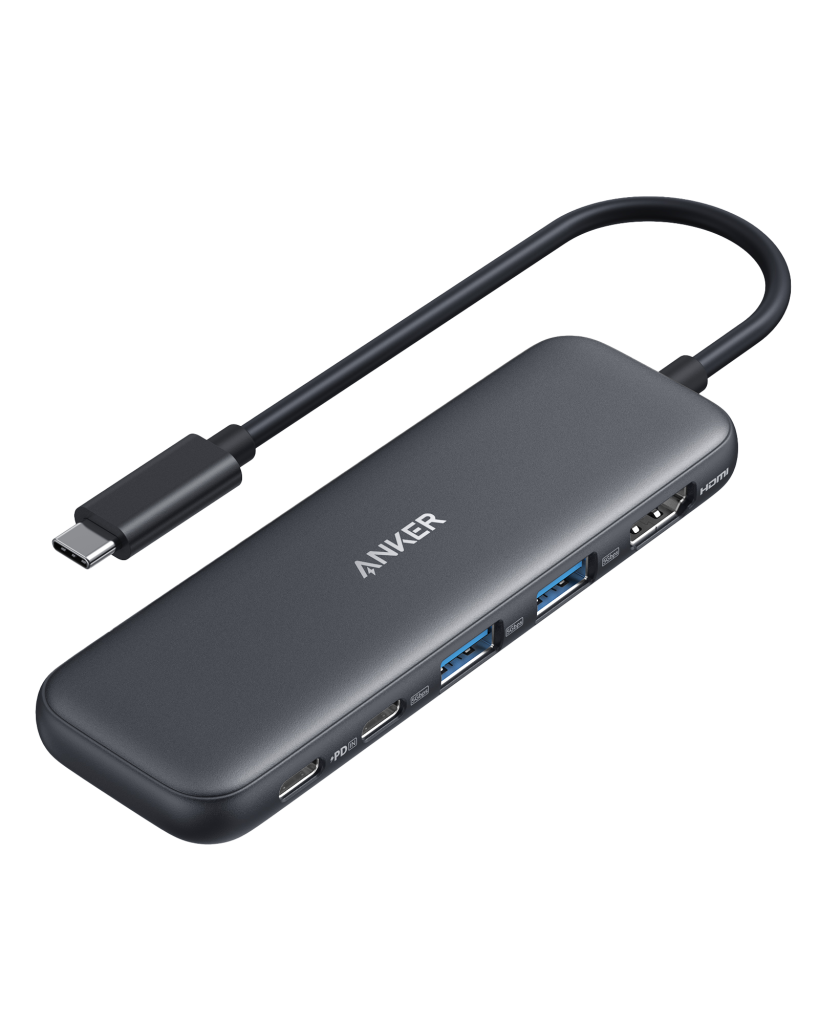
See Anker 332 USB-C Hub (5-in-1) at the merchant ↗
Anker 332 USB-C Hub (5-in-1)
A focused connection point for everyday peripherals
Before choosing Check USB-C video support and HDMI refresh rate.
View product & options Price, availability and terms are set by the merchant.3. Anker 2.4G Wireless Vertical Ergonomic Optical Mouse
Anker 2.4G Wireless Vertical Ergonomic Optical Mouse offers an alternative grip to a flat mouse. Whether that grip suits you depends on hand fit, movement preferences and the work you do. Ergonomic in the name is a design description, not a guarantee of comfort or a medical result.
Check the receiver connection, supported button behavior and the space you need to move the mouse. If your laptop lacks the appropriate port, include that in the decision rather than adding an adapter by surprise. Review return terms where fit cannot be assessed in person. Persistent discomfort should be discussed with an appropriate professional; changing a mouse is not a substitute for examining the wider setup or getting individual advice.
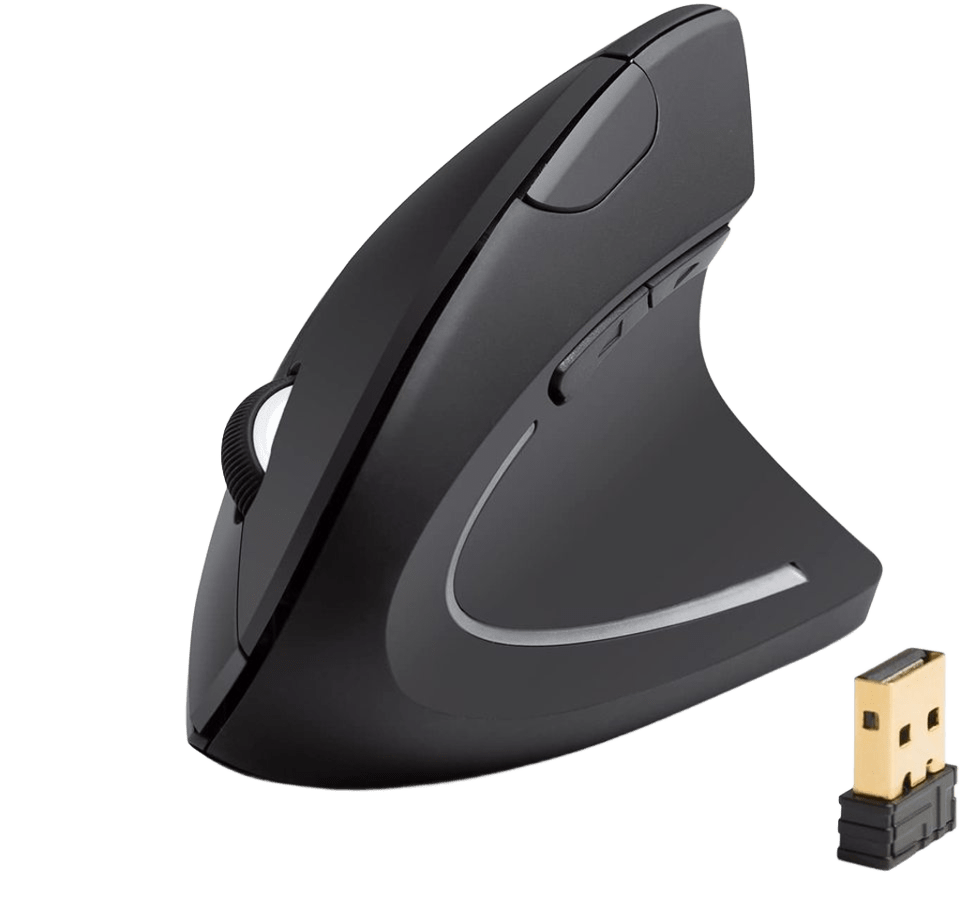
Anker 2.4G Wireless Vertical Ergonomic Optical Mouse
An alternative grip to compare with a flat mouse
Before choosing Check hand fit, receiver connection and button compatibility.
View product & options Price, availability and terms are set by the merchant.4. UGREEN 100W USB-C to USB-C Cable
UGREEN 100W USB-C to USB-C Cable is worth investigating when a lead is too short or unsuitable for a charging job. Confirm the selected length and the capabilities stated for that version. The wattage in a product name does not establish high-speed data transfer or display support.
Match the cable with both the charger and device, then measure the route with a little comfortable slack. Avoid a length that leaves a device pulled toward the edge of a desk. If your main need is transferring files or connecting a monitor, verify that function separately. A well-chosen replacement cable can solve a small daily problem without requiring a new charger, hub or other larger piece of equipment.
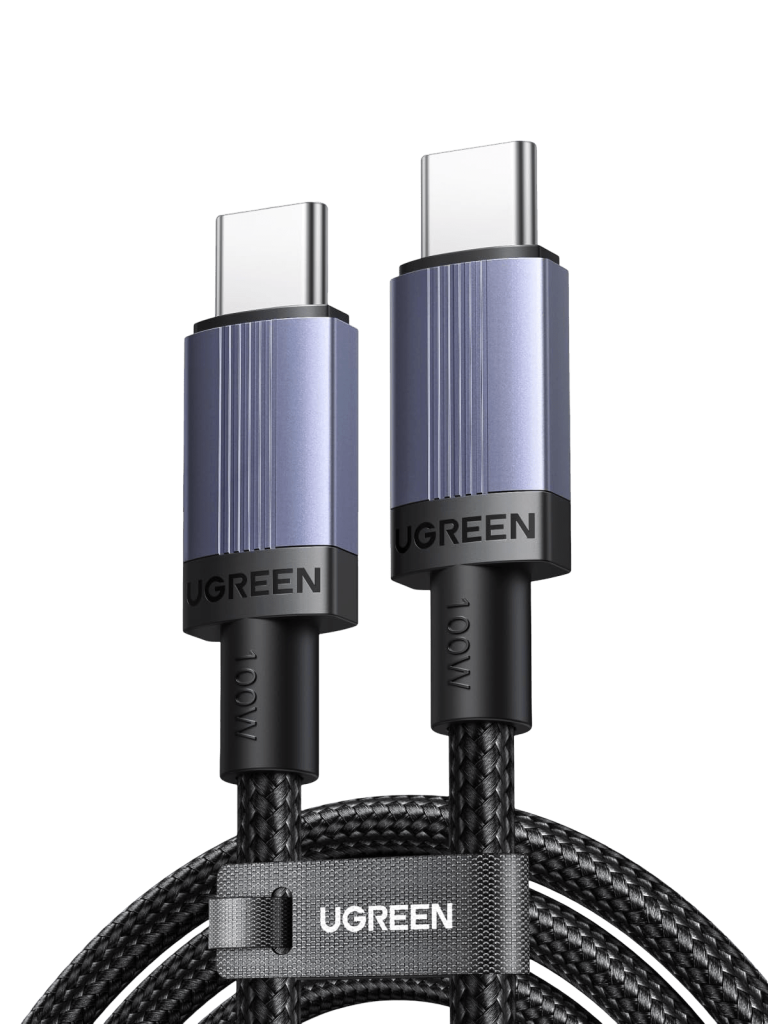
See UGREEN 100W USB-C to USB-C Cable at the merchant ↗
UGREEN 100W USB-C to USB-C Cable
Replace a too-short or unreliable everyday charging lead
Before choosing Confirm selected length, data rate and charging support.
View product & options Price, availability and terms are set by the merchant.5. UGREEN Nexode Pro 160W 5-Port USB-C Charger
UGREEN Nexode Pro 160W 5-Port USB-C Charger may suit a desk where several devices share one charging location. Read the output table for your simultaneous combination, including what changes as additional ports become occupied. The total figure should not be interpreted as a separate allowance for every connected item.
Consider placement, cable management and ventilation in accordance with the manufacturer's instructions. A central charger still needs a safe outlet and compatible cables. If you usually charge only one modest device, the extra capacity may have little practical value. Compare the actual need before choosing the larger unit; reducing the number of separate plugs is useful only if the shared setup handles the devices you really connect.
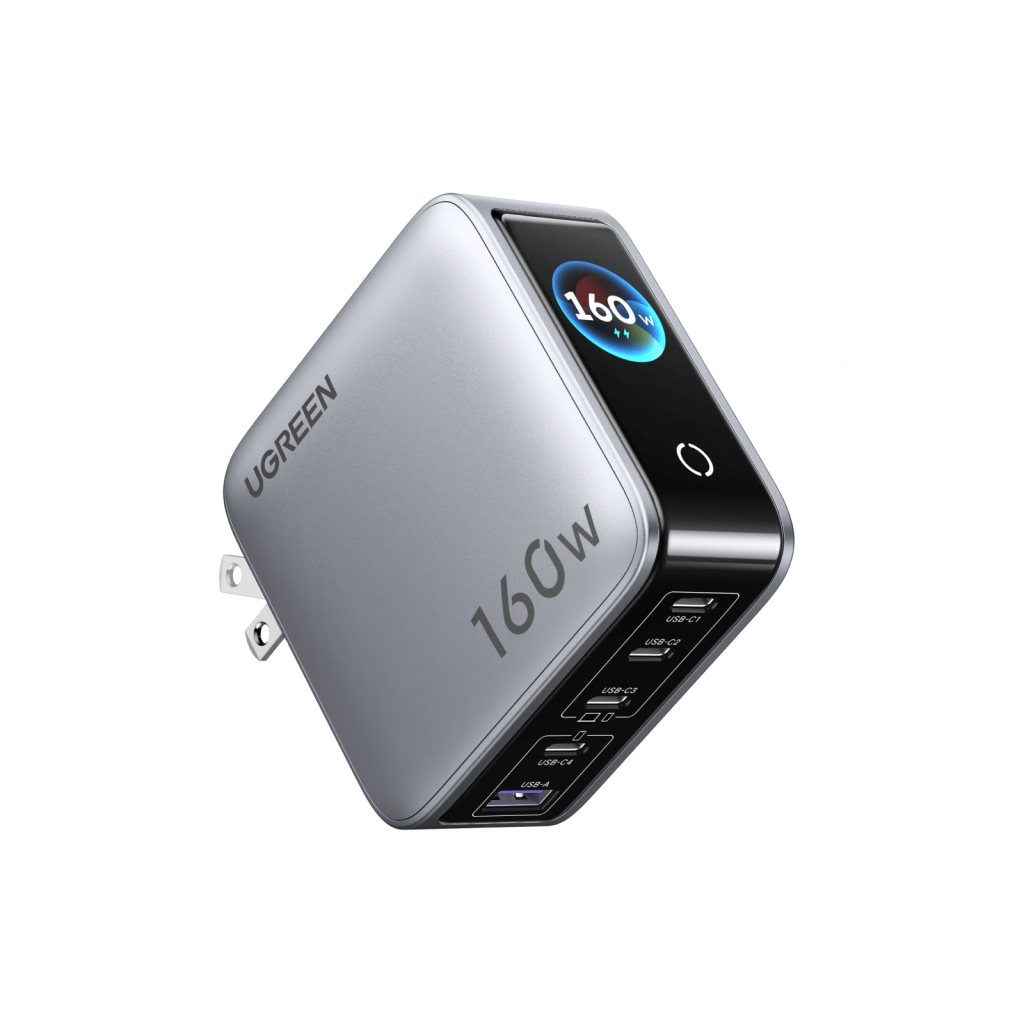
See UGREEN Nexode Pro 160W 5-Port USB-C Charger at the merchant ↗
UGREEN Nexode Pro 160W 5-Port USB-C Charger
One charging location for a desk shared by several devices
Before choosing Read the output table for your simultaneous device combination.
View product & options Price, availability and terms are set by the merchant.6. UGREEN 145W 25000mAh 3-Port Power Bank
UGREEN 145W 25000mAh 3-Port Power Bank offers a portable power approach when your working spot moves. Compare device compatibility, output sharing and the effort of carrying the bank. A larger capacity can be helpful, but it also creates another object to recharge and keep ready.
Think through one normal day away from the outlet and identify when you would use it. Check the current instructions for charging, storage and transport, and consult relevant carrier rules before traveling. Do not infer a specific number of laptop recharges from a headline capacity alone. A power bank is a practical choice when its real portability and maintenance fit the routine, rather than simply because its stated numbers are larger.
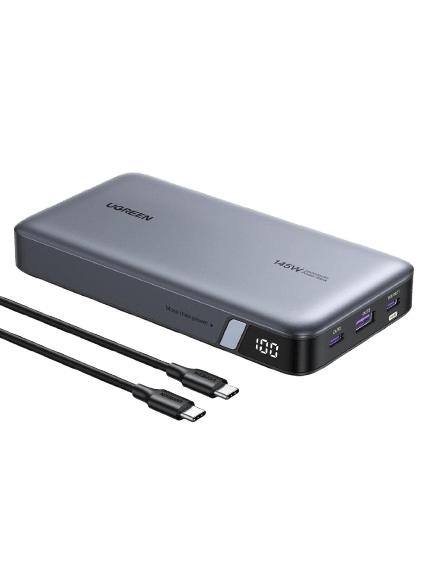
See UGREEN 145W 25000mAh 3-Port Power Bank at the merchant ↗
UGREEN 145W 25000mAh 3-Port Power Bank
A power option when your desk moves around the house
Before choosing Check weight, recharge needs and device compatibility.
View product & options Price, availability and terms are set by the merchant.Make the choice fit your everyday
Build the final comparison around one working configuration. Record the host device, accessory variant, cable and peripheral, then check each connection in the chain. This is particularly important for displays and high-power charging, where an overlooked port capability can limit the whole setup. A seller's compatibility list may help, but unclear cases deserve a direct question before purchase.
Keep existing accessories that already do their job. Replacing a cable may be enough to fix reach, and moving a charger may be enough to clear a surface. Buying a hub, mouse and power bank together can make it harder to identify the source of a new problem. Introduce changes at a pace that lets you confirm the benefit.
After delivery, test the intended combinations within the return period and follow the maker's instructions. Check ordinary tasks rather than chasing theoretical maximums you do not use. The goal is a desk whose connections are understandable and easy to maintain. That can be achieved with a small collection of appropriate accessories, even when the finished setup does not resemble a polished product photograph.
A final practical check
Save the specification page or manual for the configuration you order. It can be useful when troubleshooting later, particularly if a product page includes several variants under one heading. Record which cable belongs to which device when that distinction matters. Simple labeling can prevent an unsuitable lead from being treated as a fault in the charger or computer.
Workplace devices may also be subject to rules about peripherals, software and charging equipment. Check those requirements before spending your own money on an accessory for a managed computer. A technically compatible device may still be inappropriate for that environment. If the item is intended for a shared desk, consider the needs of the other users and keep the setup understandable without requiring everyone to remember a special connection sequence.
Sources & selection notes
Published product information was researched in October 2026. These are reference sources, not evidence of hands-on testing. Confirm current specifications and terms with the merchant.
- Anker 735 Charger (Nano II 65W) — official product information
- Anker 332 USB-C Hub (5-in-1) — official product information
- Anker 2.4G Wireless Vertical Ergonomic Optical Mouse — official product information
- UGREEN 100W USB-C to USB-C Cable — official product information
- UGREEN Nexode Pro 160W 5-Port USB-C Charger — official product information
- UGREEN 145W 25000mAh 3-Port Power Bank — official product information